JavaScript Modules: Import and Export Explained
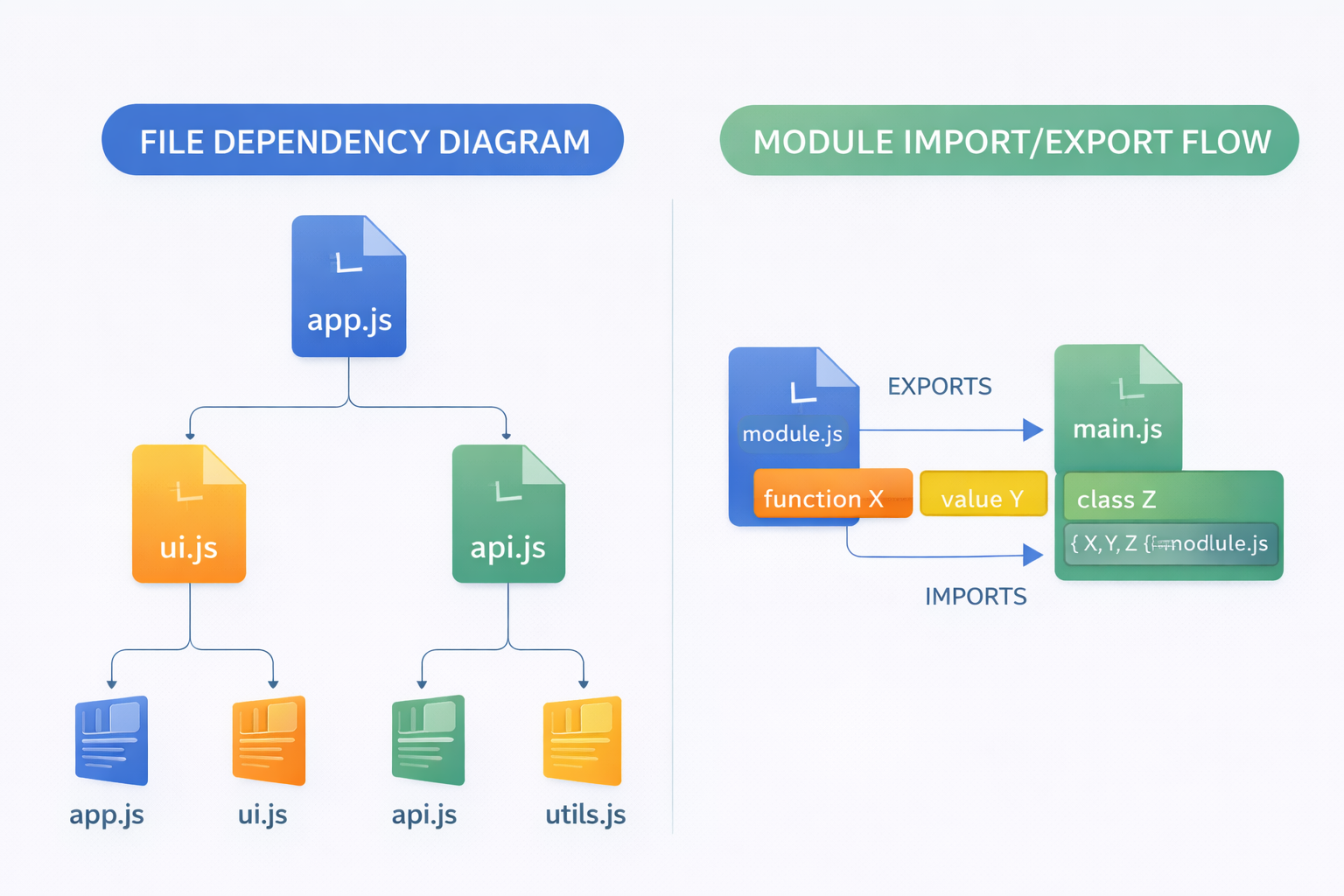
As your JavaScript applications grow, managing code in a single file becomes messy and hard to maintain. That’s where modules come in.
Modules allow you to split your code into smaller, reusable pieces, making your applications cleaner and more scalable.
In this blog, we’ll understand why modules are needed and how import and export work in a simple way.
The Problem: Poor Code Organization
Imagine writing your entire application in one file
Problems you’ll face:
Hard to read and understand
Difficult to debug
Code becomes tightly coupled
Reusability becomes limited
Real Scenario
One file handles UI
Same file handles API calls
Same file handles logic
Everything gets mixed → messy codebase
Why Modules Are Needed
Modules solve this problem by allowing you to:
Break code into smaller files
Separate concerns (UI, logic, data)
Reuse code across files
Maintain clean structure
Think of modules like:
Different folders in a project, each with a specific responsibility
What is Export in JavaScript?
Export is used to make variables, functions, or objects available outside a file.
In simple terms:
“I want to share this piece of code with other files”
What Can You Export?
Functions
Variables
Objects
Classes
What is Import in JavaScript?
Import is used to bring exported code into another file.
In simple terms:
“I want to use that code here”
Flow
File A → exports something
File B → imports and uses it
This creates a connection between files.
Default vs Named Exports
This is a very important concept
Named Exports
You can export multiple items
Must import using the same name
Best for:
Utility functions
Multiple reusable items
Default Export
Only one default export per file
Can be imported with any name
Best for:
- Main functionality of a file
Simple Difference
Named export → specific names required
Default export → flexible naming
How Modules Improve Maintainability
Using modules helps you:
1. Keep Code Organized
Each file has a clear responsibility
2. Improve Readability
Smaller files = easier to understand
3. Reuse Code Easily
Write once, use anywhere
4. Debug Faster
Errors are easier to locate
5. Scale Applications
Large projects become manageable
Real-Life Analogy
Think of building a house
One person handles wiring
Another handles plumbing
Another handles design
Each part is separate but works together
That’s exactly how modules work.
Common Use Cases
Modules are used in:
React components
Utility/helper functions
API service files
Configurations
Almost every modern JavaScript project uses modules.
Best Practices
Keep modules small and focused
Use meaningful file names
Avoid unnecessary dependencies
Prefer named exports for utilities
Use default export for main logic
Important Note
Modern JavaScript (ES6+) uses:
importexport
Older systems used different approaches, but ES Modules are now the standard.